
Handwriting OCR Converter:
Convert Handwritten Notes to Text
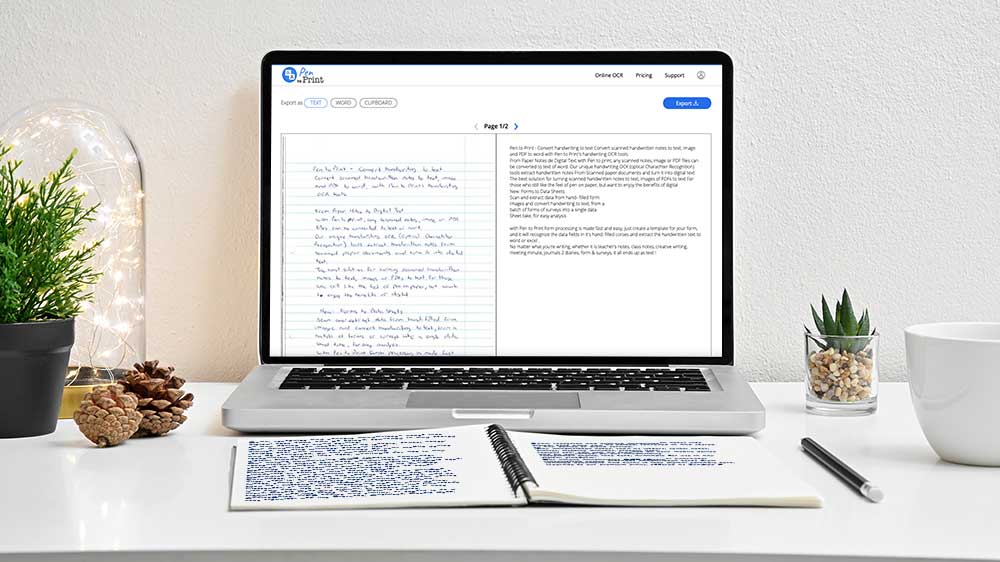
Convert handwritten notes from image to text, and from PDF to Word. Use our Handwriting OCR Converter to digitize and decipher handwritten notes into editable text.
Handwriting OCR Converter: Handwriting to Text Online Converter
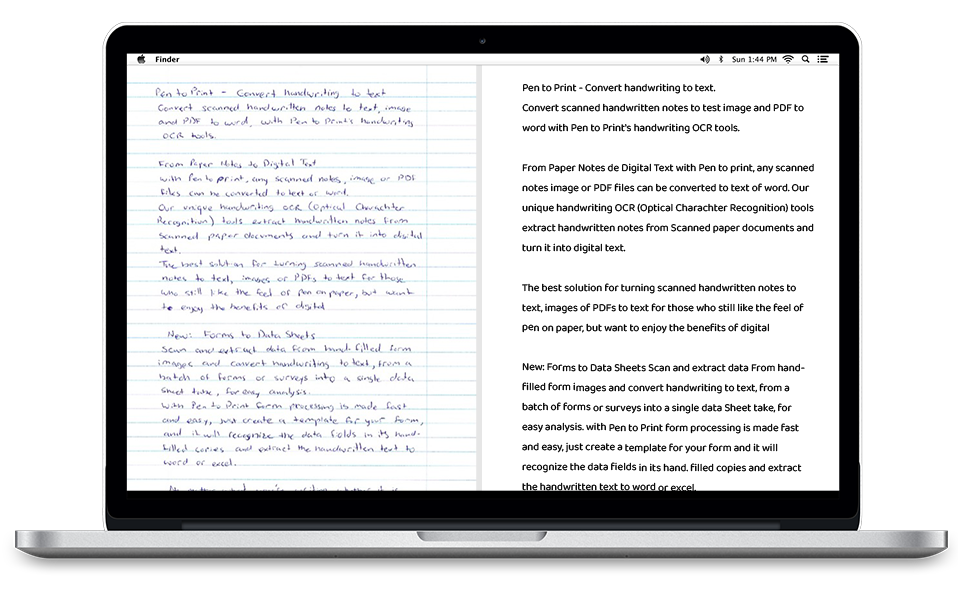
Pen to Print's core handwriting OCR tool delivers fast, accurate handwriting to text conversion directly from your browser. Whether you need image to text, PDF to Word, or clean digital output from messy cursive notes, our advanced cursive reader interprets a wide range of handwriting styles with exceptional precision. It converts scanned notes and documents into editable, searchable text with high fidelity - making your handwritten material instantly usable across any digital workflow.
Cursive Reader
Image to Text
PDF to Word
With the conversion of up to 50-page PDFs in a single click, it is easy to convert notebooks, diaries, manuscripts, letters, and other handwritten notes into a single text document online, in the comfort of your home or office, and make your notes available for editing, sharing, archiving, or other digital uses.
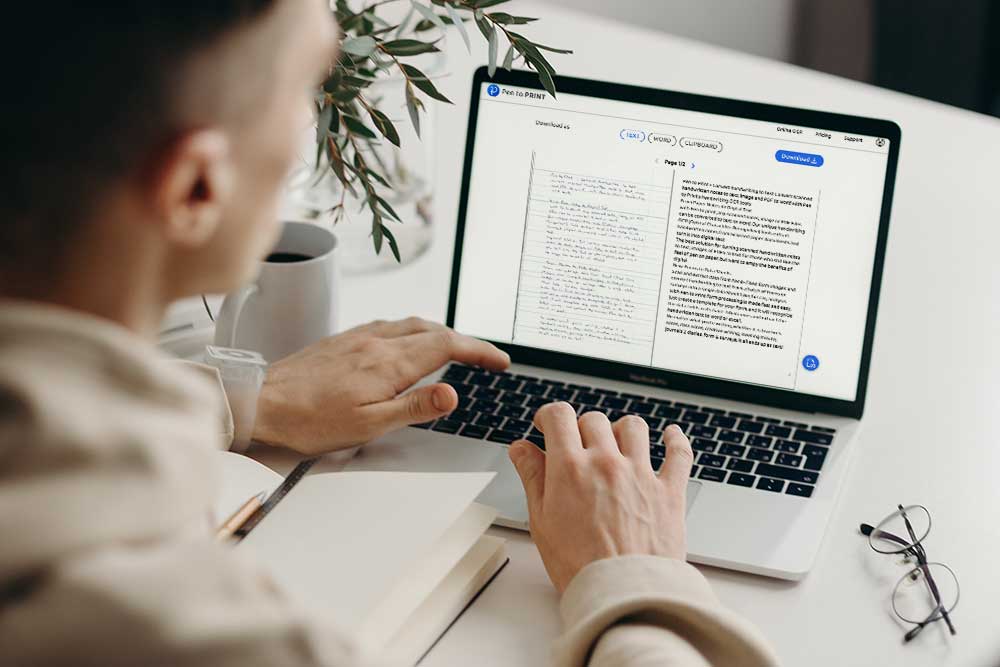
With Pen to Print online OCR, you can apply the state-of-the-art AI engine to transcribe any sort of handwriting to text, from image or PDF to Word: cursive, running letters, and block letters.
Our advanced cursive reader can transcribe even challenging handwriting that humans find hard to read and convert it from image to text.
Best Handwriting to Text Apps for Mobile
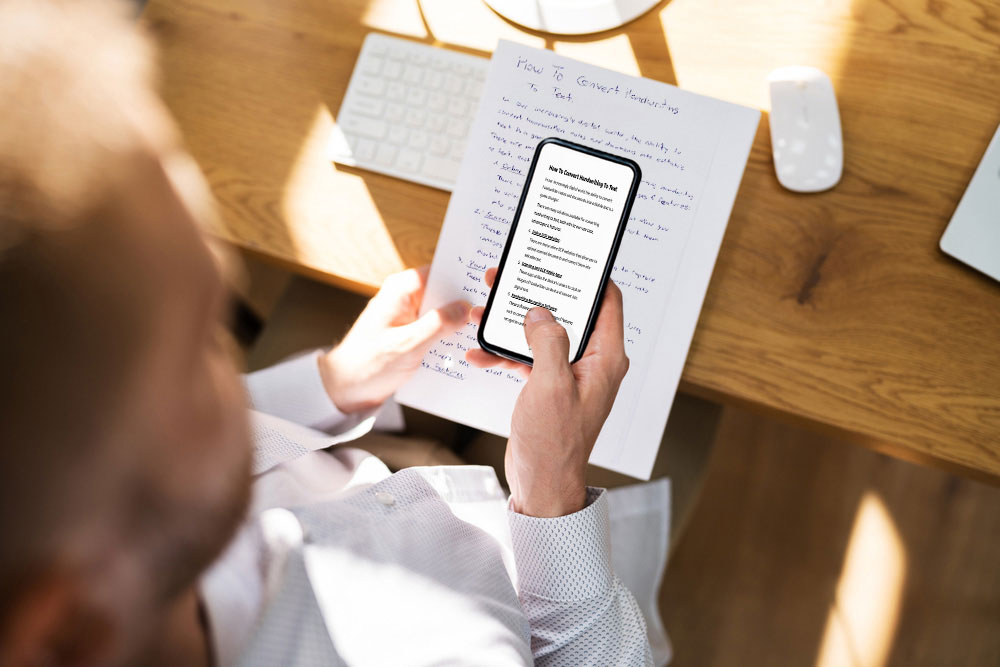
Pen to Print for Mobile provides everything you need in order to capture your handwritten notes on the go and easily transcribe them from image to text or Word. This handwriting to text app is specifically designed for mobile usage, allowing super fast and smart conversion of handwriting from scanned images to editable and shareable text.
It's the perfect handwriting to text app for students to capture the teacher's notes on the board or a friend's notebook, and great for sharing meeting minutes with the meeting's participants or capturing a good recipe in the kitchen.
This handwriting-to-text app is an excellent cursive reader that effortlessly converts even illegible handwriting into clear digital text.
With Pen to Print, the best handwriting to text app, your handwritten notes can be captured by your mobile device's camera, and then be processed from image to text by our unique AI and OCR engine, which not only understands your handwriting (as challenging as it might get - even cursive!) but also deals with tilts or skews created through the capturing process and fixes lighting issues in the image, to provide the best results for you.
Once the image is converted to text, it is a simple click to share with others or continue the editing process at a designated digital platform.
Desktop Handwriting to Text Converter for Batch Processing
The Pen to Print Desktop App provides a powerful solution for converting large volumes of handwritten documents into digital text with high accuracy.
Designed for Windows and Mac, the app processes multi-page PDFs and batches of images, transforming handwriting from image to text or PDF to Word using Pen to Print's advanced handwriting OCR and cursive reader technology.
Built for users who need reliable, high-throughput handwriting to text capabilities, the desktop app removes browser limitations and enables efficient batch processing for archives, business workflows, and ongoing document digitization projects.
Handwriting OCR API for Developers
There are endless applications that could be made to transition handwriting to text, handwritten words from paper to digital tools, and we certainly cannot address them all. That's why we make Pen to Print's handwriting to text OCR engine available for developers and companies as an API service.
Harness our handwriting recognition capabilities for your own applications and ideas. Use our state-of-the-art handwriting OCR API as a block on your own product, to convert any scanned handwritten image to text and PDF to Word, for the best handwriting to text experience.
Our API will handle the recognition and conversion of notes to text (any image or PDF). It will also deal with image optimization, tilt, skew, and lighting to provide you with the best results.
Converting Notes to Text Online Step-by-Step
The full guide to converting scanned handwritten image to text

Cursive Reader: Convert Illegible Handwriting to Text
Convert cursive and messy handwriting to text with online OCR