


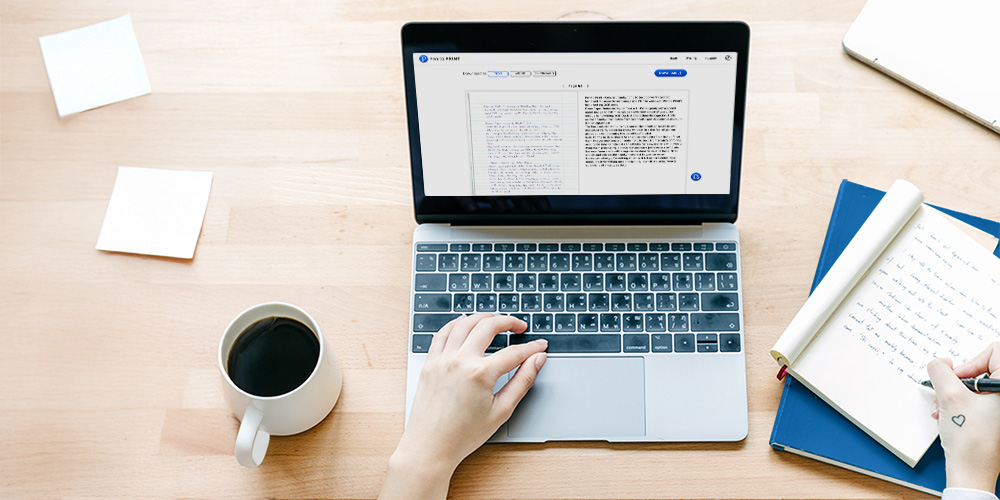
The Pen to Print Desktop App brings our advanced handwriting recognition capabilities to Windows and Mac, allowing you to convert handwritten documents directly from your computer.
The app processes multi-page PDFs and batches of scanned handwritten content, transforming them from image to text and from PDF to Word using the same handwriting OCR technology and cursive reader features that power Pen to Print's online tools.
The desktop application is designed for teams and organizations that need to process large volumes of handwritten documents on a regular basis. Instead of being limited to small batches in the browser, the desktop app lets you send an unlimited number of pages per session, while our servers handle the heavy handwriting OCR processing in the background.
Available for both Windows and Mac, and included exclusively with the Business plan, the desktop app brings the full power of Pen to Print's handwriting to text capabilities into a robust, batch-oriented environment that fits archive projects, ongoing operational workloads, and enterprise-scale document ingestion.
Please note: Although the app runs on your device, the handwriting OCR processing itself is not executed locally. Just like the online tools, all files are securely sent to Pen to Print’s servers, where the conversion is performed and the recognized text is returned to the app.

Cursive Reader: Convert Illegible Handwriting to Text
Convert cursive and messy handwriting to text with online OCR
Handwriting Recognition: Online OCR & Apps
Convert scanned handwritten image to text, and PDFs to Word