
Convert Image to Text
UPDATED: Jul 20, 2025
In the digital era, the ability to convert images into editable and searchable text has transformed the way we interact with handwritten content, offering a seamless transition from analog to digital formats. With the innovative online OCR tools provided by Pen to Print, users can easily convert images to text, unlocking a wealth of possibilities for enhancing productivity, accessibility, and organization in various aspects of their personal and professional lives.
One of the key advantages of converting image to text with online OCR lies in the improved readability and comprehension it offers. Handwritten notes, documents, and other forms of handwritten content can sometimes be challenging to decipher, particularly when dealing with cursive writing or illegible text. By utilizing Pen to Print's online OCR technology, users can convert scanned images of handwritten content into readable and editable text, eliminating the need for manual transcription and enhancing clarity and understanding of the information presented.
The conversion of image to text offers a wide range of possibilities by transforming scanned content into editable text.
Scanned image to plain text
While basic online OCR tools have been converting printed documents to text for years, recent advancements in AI technology have made it possible to accurately convert handwritten content as well.
Handwriting OCR tools can now convert scanned handwritten images and PDFs into plain text, Word documents, and searchable PDFs with high accuracy and efficiency. These tools have greatly increased productivity and made it easier to digitize handwritten content.
 Handwriting OCR Converter
 Searchable PDF Maker
AI-powered advanced image to text converter
Advanced AI-powered handwriting to text tools have taken this a step further by introducing complex conversion of handwritten images into formatted text while preserving the original style, layout, and unique characters. These tools can accurately convert math expressions, tables, titles, subtitles, numbering, bulleting, indents, underlined text, bold text and more, ensuring a seamless transition from paper to digital, with online OCR tools from image to Word, Excel, PDF or LaTex.
 Document AI Formatter
 Math Converter
 Tables & Forms Digitizer
 Form Data Processor
Image to text apps
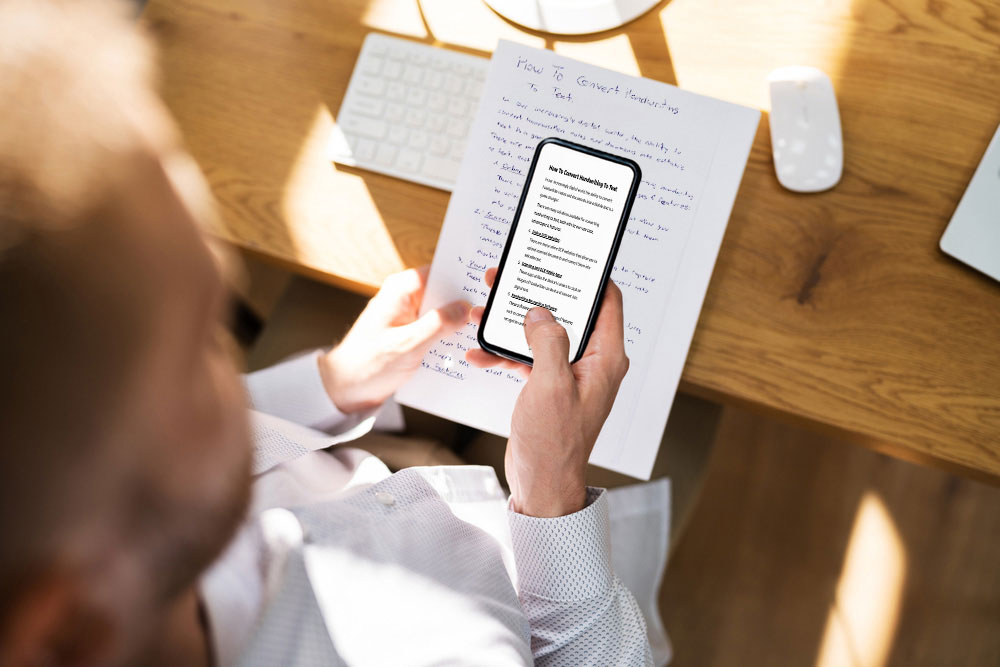
The ease of transforming an image to text ensures that converting handwritten notes to text can be effortlessly done using only a mobile device and our handwriting to text apps. No longer requiring office desk scanners or PDF editors, simply capturing an image with the device's camera allows the app to quickly convert it to text, Word, or PDF in seconds.

Pen to Print -
Handwriting to Text App



Pen to Print -
Handwriting to PDF App
The conversion of image to text also enables users to digitize and organize handwritten content more effectively. Students can transform their handwritten class notes, lecture summaries, or study materials into digital text, facilitating easy access, review, and revision. Teachers can efficiently assess students' handwritten work, assignments, or exams by converting them into digital text for grading and feedback. The ability to transcribe handwritten notes, reminders, to-do lists, or meeting minutes into editable text enhances organization and accessibility, leading to improved productivity and efficiency in daily tasks.
Frequently Asked Questions
How to convert an image to text with online OCR tools?

How to use image to text converter in daily life?
What is the best tool to convert image to text?
What is the best image to text app?
Why convert image to text with online OCR tools?
What file formats are supported when using image to text converter?