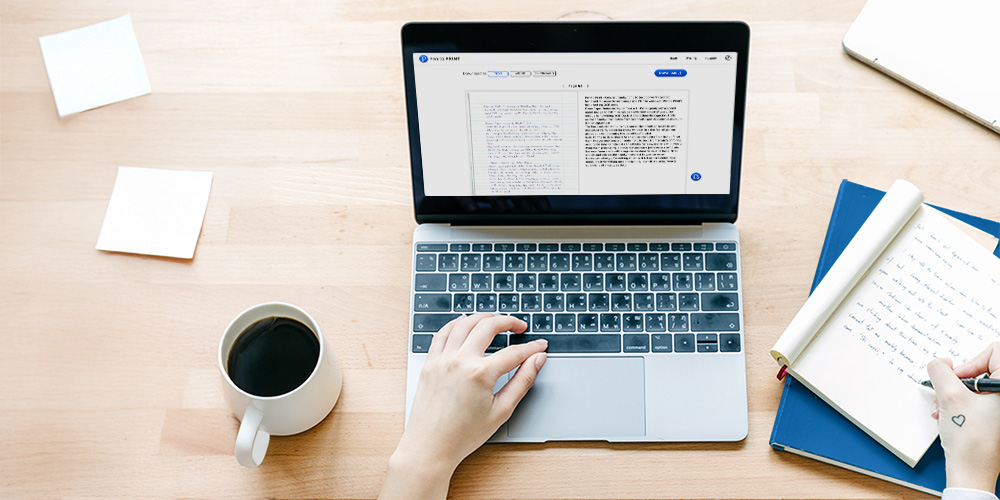


Handwriting to Text Apps for iOS & Android
Convert handwriting to text and searchable PDFs with Pen to Print mobile apps - fast, accurate handwriting OCR anytime, anywhere.


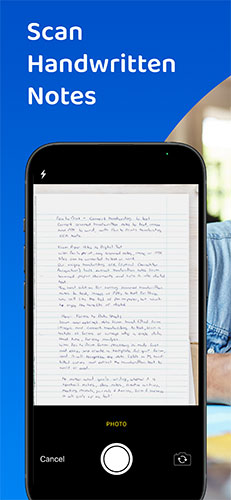
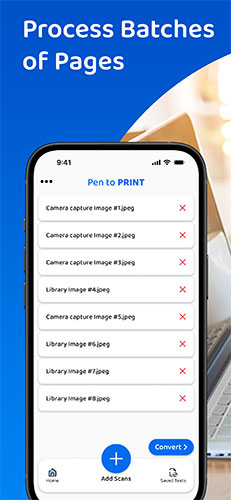
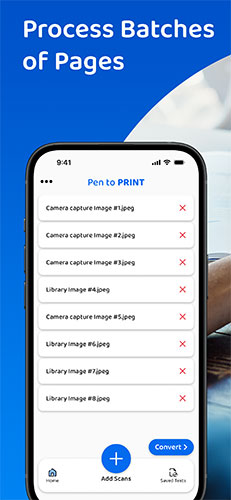
Pen to Print for Mobile provides everything you need to capture handwritten notes on the go and quickly convert them from image to text or Word. This handwriting to text experience is built specifically for mobile usage, delivering fast, smart handwriting OCR from scanned images and photos into editable, searchable, and shareable text - without requiring a scanner, desktop software, or a complicated workflow.
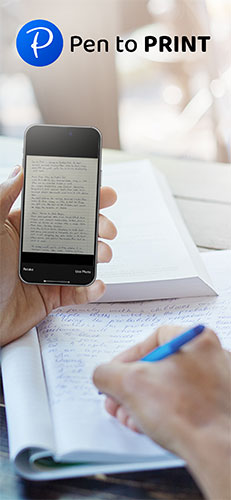
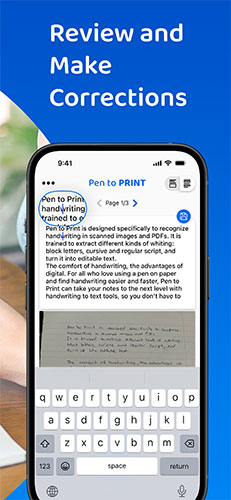
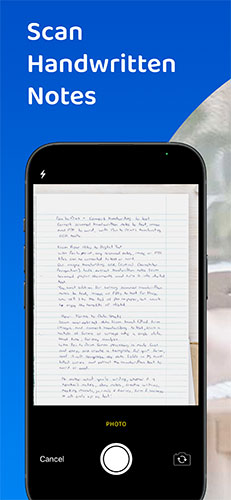
Unlike many generic OCR or scanner apps, Pen to Print acts as an advanced handwriting and cursive reader, designed to understand challenging and messy or partially illegible text, including cursive. Your phone's camera becomes a handwriting capture tool, and our AI-powered handwriting OCR engine then processes the photo from image to text, automatically correcting common capture issues like skew/tilt, uneven lighting, and low-contrast pages to produce cleaner, more accurate results.
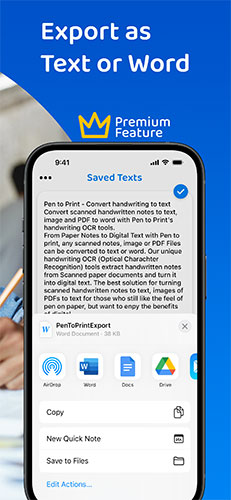
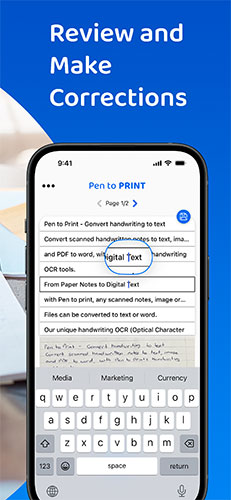
Once the handwriting is converted to text, you can copy, edit, export, or share it in a click - making it easy to continue your workflow in the apps and platforms you already use.
Pen to Print - Handwriting to Text
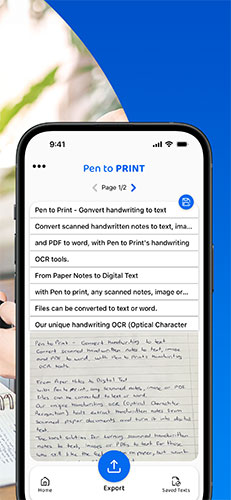
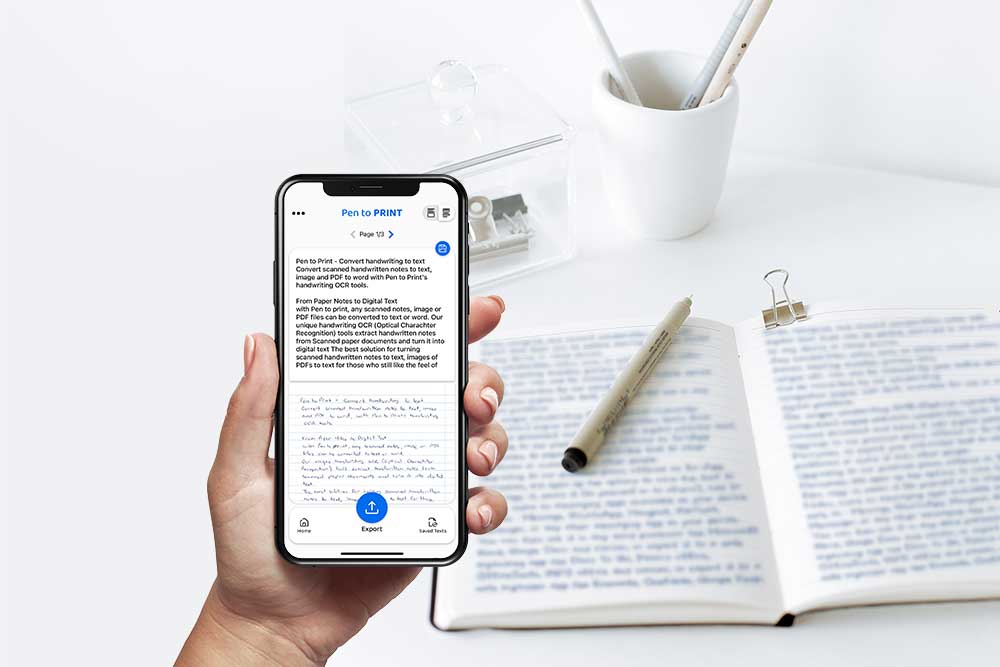
Pen to Print - Handwriting to Text is our flagship mobile app for converting handwritten notes into editable digital text using advanced handwriting OCR. Simply capture a photo of your notes, and the app quickly and accurately transforms them from image to text or Word, so you can copy, edit, and share the results in your preferred workflow - an efficient mobile solution for turning handwriting into usable digital content on the go.
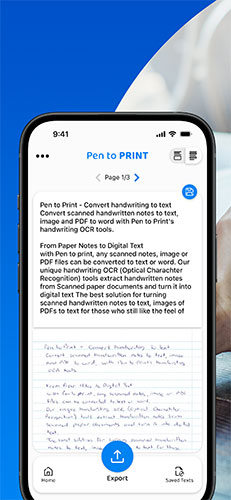


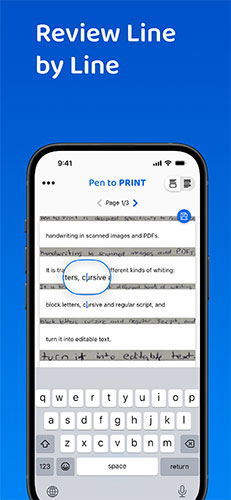





Pen to Print - Handwriting to PDF
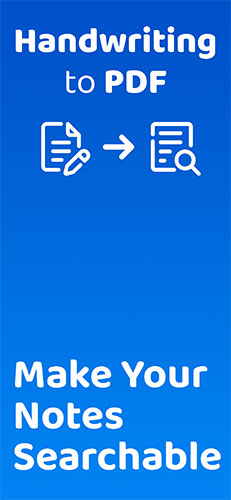
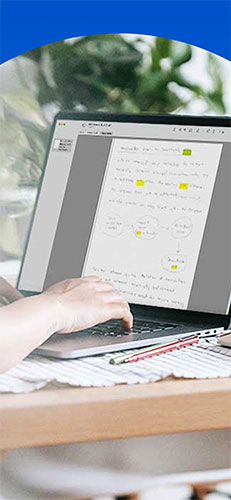
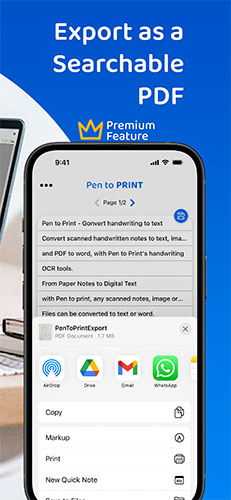
Pen to Print's Searchable PDF maker is designed to effortlessly transform scanned handwritten notes to a searchable PDF using advanced handwriting OCR. It easily converts scanned images into fully searchable PDF documents, digitizing the scanned handwriting to text. Its advanced OCR and AI technology accurately recognizes and converts handwriting to text, enabling users to easily transform their scanned images to PDF and allow them to search, highlight, and extract information from their scanned handwritten notes.

What is the best handwriting to text app?
Convert notes to text on the go with Pen to Print Handwriting to Text app

Handwriting OCR as a Cursive Reader
Use handwriting OCR online tools as a cursive translator.