
Why convert PDF to Excel with online OCR tools?
UPDATED: Aug 21, 2025
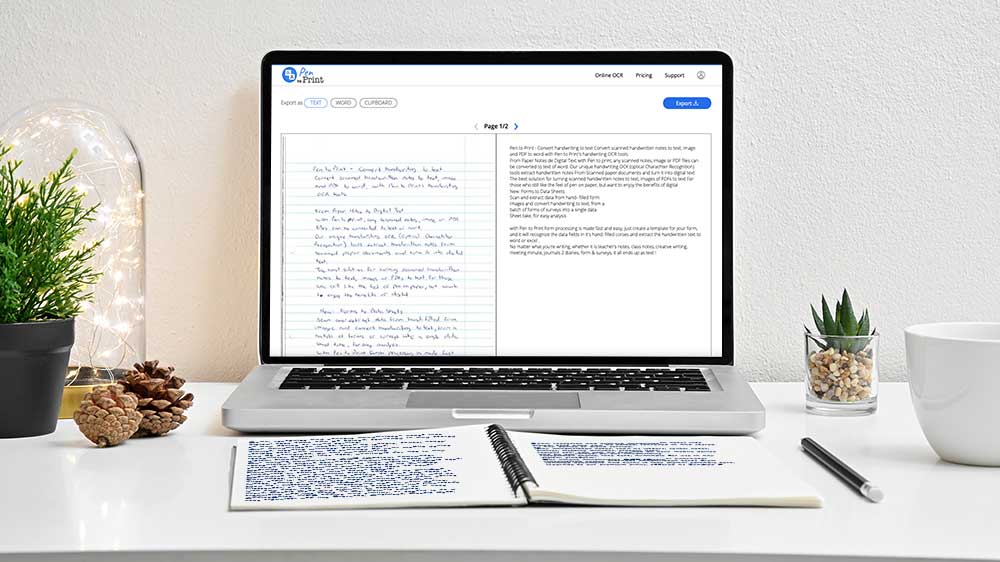
The conversion of structured handwritten PDF to Excel using online OCR tools has become an essential task for businesses, researchers, and organizations. The ability to transform scanned documents, handwritten tables, forms and lists into editable Excel spreadsheets enhances accuracy, productivity, and data-driven decision-making. Pen to Print, with its advanced handwriting OCR solutions, stands out by offering tools that efficiently bridge the gap between static PDFs and dynamic, editable Excel files. Here are compelling reasons why using online OCR tools, particularly Pen to Print's offerings, is highly beneficial for converting PDF to Excel.
Enhanced Data Accessibility and Editability
One of the main advantages of converting PDF to Excel using online OCR is the ability to work with data in a flexible, editable format. While PDFs preserve information in fixed layouts, they make calculations, sorting, and analysis nearly impossible. By leveraging Pen to Print's Tables & Forms Digitizer, users can convert handwritten tables and structured content into Excel spreadsheets, instantly enabling advanced calculations, data manipulation, and reporting. This is especially valuable for financial analysts, students, and professionals who depend on accurate and editable datasets.
Preservation of Structure and Layout
Accurate formatting is often as important as the content itself. With Pen to Print's Tables & Forms Digitizer, handwritten rows, columns, and key-value pairs are carefully recognized and transferred into Excel while maintaining their original table structure. This ensures that the converted file isn't just editable, but also visually aligned with the source document. For reports, surveys, and schedules, retaining this formatting eliminates the need for time-consuming manual adjustments, making the conversion process both efficient and precise.
Increased Productivity and Efficiency
Manually re-typing data from scanned PDFs into Excel is not only tedious but also prone to errors. By using handwriting OCR powered by Pen to Print, organizations can save countless hours while ensuring high accuracy. The Form Data Processor tool is particularly effective for handling batches of hand-filled forms or surveys, extracting responses directly into a single Excel dataset. This automation dramatically boosts productivity, allowing professionals to focus on interpreting and applying insights rather than data entry.
Supporting Digital Transformation and Data Management
As organizations continue their digital transformation journey, digitizing physical documents and converting PDFs into actionable Excel data is a critical step. Online OCR tools like Pen to Print support this transition by turning handwritten tables, forms, and reports into searchable, organized spreadsheets. This not only improves data management and storage but also ensures that critical information can be easily analyzed, shared, and archived for long-term use.
 Tables & Forms Digitizer
 Form Data Processor
Converting PDF to Excel with online OCR tools offers numerous advantages for anyone working with tabular or structured data. Pen to Print's handwriting OCR solutions, such as the Tables & Forms Digitizer and Form Data Processor, exemplify how advanced OCR technology can streamline workflows, preserve structure, and enable faster, more accurate analysis. By integrating these tools into everyday processes, users can unlock the full potential of their data, reduce manual work, and support efficient digital transformation. As data-driven decision-making becomes increasingly vital, the ability to seamlessly convert handwritten and scanned PDFs into Excel remains an invaluable asset.