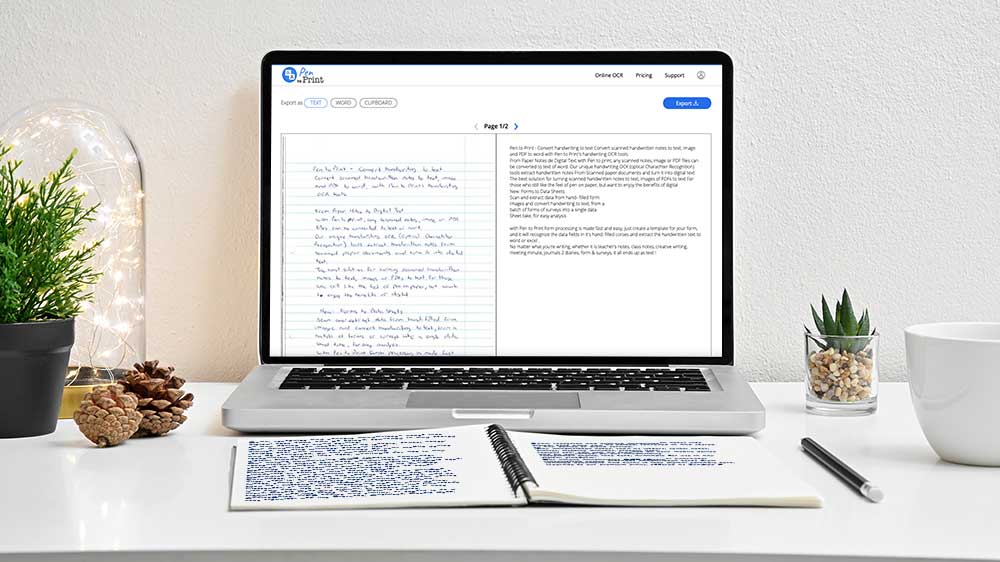

What is the Best Tool to Convert PDF to Word?
UPDATED: Jun 10, 2025
In the rapidly evolving world of digital document management, converting PDF documents into editable Word files with online OCR tools is essential for students, professionals, and organizations. Among the various online OCR tools available, Pen to Print distinguishes itself with specialized offerings tailored to diverse conversion needs. By exploring Pen to Print's tools and their distinct capabilities, users can determine the optimal solution for their specific requirements when converting PDF to Word.
Pen to Print provides two primary online OCR tools for converting PDF to Word: Handwriting OCR and Document AI. These tools are designed to meet different aspects of document conversion, ensuring that users can choose the most suitable option based on their document's content and desired outcomes.
Handwriting OCR Converter
Pen to Print's Handwriting OCR tool focuses on converting handwritten text from scanned PDF documents into plain text Word files. This online OCR tool is ideal for situations where the content itself is of primary importance and where text formatting and layout are not critical. It provides high accuracy in recognizing and transcribing a variety of handwriting styles and languages, offering users a straightforward way to digitize handwritten notes, letters, or essays.
Educational and Academic Settings: Students and researchers can quickly convert handwritten notes and annotations into plain text for easy reference and integration into digital study materials or research documents.
Personal Document Management: Individuals aiming to digitize handwritten diaries, personal reflections, or letters can use this tool to create editable and searchable document versions.
Content Capture for Writers: Authors and content creators can convert brainstorming notes or drafts into plain text for further editing and development in word processing software.
 Handwriting OCR Converter
Document AI Digitizer
Document AI by Pen to Print is designed to transform handwritten notes into digital documents while meticulously preserving the original formatting and style, such as titles, subtitles, numbering, bullet points, indentations, underlined text, and bold text. Unlike Handwriting OCR, Document AI captures and maintains the unique characteristics of handwritten content, making it ideal for those seeking to retain the structural and stylistic elements of their documents.
Professional and Business Documentation: Professionals can convert meeting notes, project outlines, or strategic plans into digital format while preserving the formatting and emphasis used in handwritten documents.
Enhanced Academic Materials: Educators and students can digitize comprehensive notes or study guides with maintained formatting, ensuring clarity and organization in digital versions.
Creative and Publishing Industries: Writers and designers can convert handwritten drafts or content outlines into digital documents that retain the original layout and style, simplifying the transition to publishable formats.
 Document AI Digitizer
Choosing the best PDF to Word OCR tool hinges on the specific demands and nature of the document in question. Pen to Print's Handwriting OCR and Document AI tools offer robust solutions tailored to a variety of document conversion needs. Whether you're dealing with plain text or require preserved formatting, Pen to Print provides targeted online OCR solutions that enhance productivity, ensure seamless document management, and maintain the integrity of original content. By utilizing the appropriate tool for the task at hand, users can efficiently convert scanned PDF documents into editable Word files, ready for collaboration, further editing, and digital archiving.