

Cursive Reader & Translator:
Convert Cursive Handwriting to Text
Convert cursive and unreadable handwriting to text. Upload scanned images or PDFs to translate cursive and decipher messy writing into accurate, legible Word or text files.
Converting cursive to text
Reading people's handwriting can be a difficult task, particularly when it comes to cursive. Cursive writing is often the most challenging to decipher due to its unique and personal nature. While the individuality of handwriting is beautiful, it frequently poses difficulties for those trying to read unfamiliar scripts.
Decoding handwritten notes presents a significant challenge, as handwriting can often appear messy or illegible, with each person's style adding to the complexity. This struggle is magnified with cursive writing, as it is notoriously harder to read and understand. Whether dealing with someone else's writing or your own, reading lengthy handwritten documents can be far more time-consuming than perusing digital text, and it often involves misunderstandings.
This is where Pen to Print excels. Acting as a cursive reader, the software makes every piece of handwriting easy to read by converting plain or cursive handwriting into text using online OCR technology. As a cursive translator, it manages all forms of handwriting - from neat scripts to messy scribbles, cursive writing, and flowing letters - conquering any challenging or chaotic handwriting.
Simply scan the handwritten pages into an image or a PDF file, upload it to one of our online handwriting OCR tools, and let Pen to Print serve as a cursive reader and in some cases - a cursive translator. It converts the handwriting to text and allows you to export it as text or Word files for easy reading.
Cursive that anyone can read
There are many different styles of cursive writing, and not all of them are universally recognized or taught. This can lead to confusion and inconsistencies in communication.
Some people may find it difficult to read cursive writing, especially if the writing is messy or the person reading it is not familiar with the particular style of cursive.
Pen to Print provides the perfect solution, converting cursive to text for anyone to read. Its state-of-the-art AI tools can quickly understand even the most challenging handwriting, regular or cursive, and convert it to a digital document.
Once the text is digital and legible, it can easily be read on any digital platform or in print so you can spend more time on the content and less time trying to understand the writing.
Cursive reading with handwriting to text tools
Whether you want to convert your own notes to share with others or need to read someone else's writing, Pen to Print is your go-to cursive reader. By transforming handwriting to text, it makes cursive legible, quicker to read, and much easier to understand.
Pen to Print offers the best tools for converting handwriting to text:
Handwriting OCR Converter
A perfect tool for massive batch conversion of handwritten class notes to text. Ideal for converting simple handwritten content into plain digital text or a Word file.
 Handwriting OCR Converter
Document AI Formatter
Best for class notes, homework, and assignments with unique layouts and styles, capturing elements such as titles, bullet points, numbering, underlined and bold text, ensuring preservation of the document's original format, layout, and style.
 Document AI Formatter
Searchable PDF Maker
Suitable for storing original scanned images, especially if they include unique layout, while making its content easily accessible and searchable. Converting handwritten scans to a searchable PDF is the best way to preserve the original document while keeping it accessible and easy to search and retrieve.
 Searchable PDF Maker
Pen to Print Handwriting to Text App
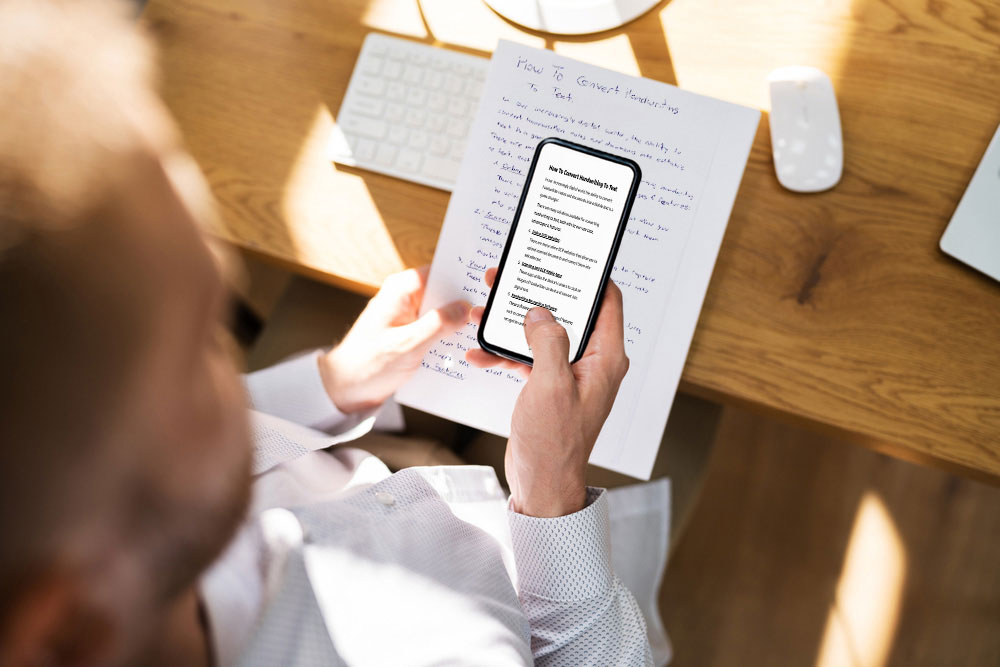
Designed to provide an on-the-go solution for short handwritten documents scanned with a phone and available whenever you need it. A powerful cursive reader for illegible handwriting.