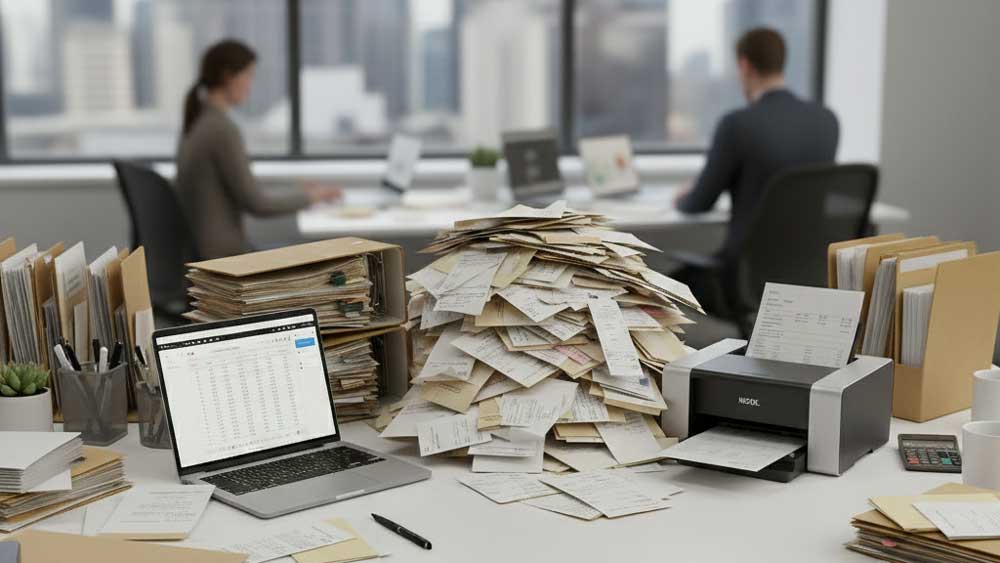


Intelligent Document Processing with Handwriting OCR
Transition to a paperless office with advanced document processing. Automate data entry, run batch handwriting conversion, and turn messy paper piles into searchable, collaborative digital workflows.
Digitize Handwritten Documents with Intelligent Document Processing
Handwriting remains a persistent bottleneck in the modern business environment—from client forms and delivery notes to inspection reports and meeting minutes. Pen to Print bridges the gap between physical paper and digital systems with our Intelligent Document Processing (IDP) solutions.
We help enterprises digitize handwritten documents quickly and accurately. Whether you need to process unstructured meeting notes or extract organized data from structured forms, our document processing technology seamlessly integrates into your workflow. Upload an image or PDF, and extract data directly to DOCX, TXT, XLSX, PDF, or LaTeX in seconds.
Accurate Document Processing for Any Handwriting Style
In business operations, legibility is critical. Misreading a number on an invoice or a date on a client form can lead to costly mistakes. However, not everyone writes clearly, and even neat handwriting degrades when rushed.
Pen to Print's advanced document processing engine is built to handle highly variable handwriting styles. It easily deciphers messy cursive, inconsistent lettering, and rushed signatures. By accurately digitizing handwritten documents, you eliminate the need for manual review and guesswork. This reduces human error, accelerates data availability, and ensures critical information is instantly accessible to your entire team.
Scale Your Operations with Batch Handwriting Conversion
Managing physical paperwork (such as employee timesheets, customer orders, and handwritten invoices) creates unnecessary administrative overhead, clutter, and delays. To achieve a truly paperless office, businesses need a solution built for scale.
Pen to Print allows you to utilize batch handwriting conversion to process large volumes of documents simultaneously. This transformation turns piles of paper into structured, searchable, and secure digital data. Reduce manual data entry, speed up turnaround times, and empower your team to focus on high-value tasks instead of chasing paperwork.
The Complete Handwriting OCR Toolkit to Digitize Handwritten Documents
Pen to Print offers a professional-grade suite of Intelligent Document Processing tools to help businesses go paperless without disrupting their existing workflows.
Handwriting OCR Converter
Convert handwritten notes, quick memos, or meeting summaries into plain text or Word documents.
 Handwriting OCR Converter
Document AI Digitizer
Ideal for business documents with structured layouts, it preserves hierarchy and formatting such as titles, numbering, bullets, underlined & bold text. It isolates graphic elements and reconstructs them as inline images, recognizes rows and columns to recreate grids, and digitizes handwritten math into editable equations.
 Document AI Digitizer
Math Converter
Perfect for R&D, engineering, and finance teams that deal with handwritten formulas and expressions. Converts to Word or LaTeX.
 Math Converter
Tables Digitizer
Digitize tables, checklists, and hand-filled forms, exporting them to Excel or Word for processing.
 Tables Digitizer
Searchable PDF Maker
Create searchable, high-quality PDF files from handwritten scans for easy archiving and search.
 Searchable PDF Maker
Form Data Processor
Extract data from custom paper forms into organized Word or Excel documents - great for field reports, surveys, and HR paperwork.
 Form Data Processor
Pen to Print Handwriting to Text App
Designed to provide an on-the-go solution for short handwritten documents scanned with a phone—always available when you need it.




Automated Data Entry: Save Time and Reduce Errors
Save hours of manual typing and data entry with handwriting OCR tools

How to Digitize Meeting Notes for a Productive Workflow
Digitize your meeting notes for better organization and searchability.