

How to Digitize Handwritten Invoices and Reduce Your Business's Paperwork
UPDATED: Nov 26, 2025
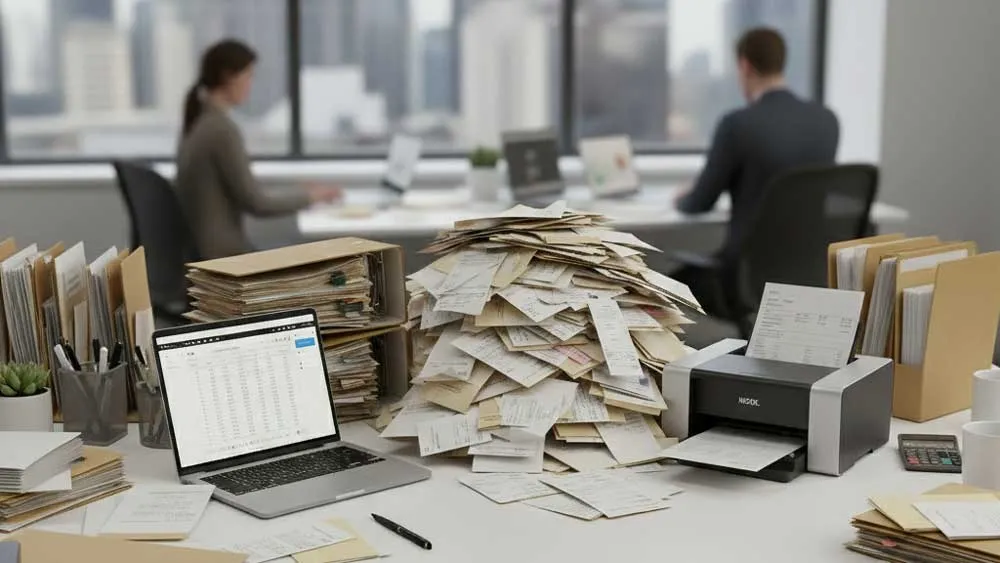
Handwritten invoices are still surprisingly common - especially in field services, deliveries, repairs, construction, and small retail. They're quick to write, but slow to process. Businesses often waste hours every week retyping amounts, dates, customer information, and line items into digital systems. Mistakes creep in, papers get lost, and back-office teams fall behind.
Digitizing handwritten invoices solves all of that. By converting paper forms into accurate, searchable, structured digital data, you can speed up billing, reduce errors, and keep your financial records organized without changing how your team already works.
Why Handwritten Invoices Are So Hard to Manage
Even if your business only handles a few handwritten invoices each day, the workflow quickly becomes messy.
- Time-consuming manual data entry. Someone has to type everything - line by line - into your accounting system.
- High risk of misreading handwriting. Similar digits or a rushed signature can cause billing mistakes.
- Papers get lost or damaged. Invoices pile up, some get misplaced, lost, or damaged.
- Hard to search, audit, or analyze. Paper invoices can't be searched, filtered, or exported - limiting visibility and reporting.
Digitization is the fastest fix.
How Pen to Print Helps Digitize Handwritten Invoices - Tools for Every Business Need
Different businesses handle handwritten invoices in different ways. Some only need searchable storage, while others need structured data, Excel exports, or full automation. Pen to Print offers several specialized tools that match each workflow.
1. Searchable PDF Maker - Keep the Original Invoice, Make It Searchable
Many businesses want to preserve the exact look of the handwritten invoice for record-keeping, legal compliance, or auditing. The Searchable PDF Maker is perfect for this. It converts your handwritten invoice into a searchable PDF, keeps the original image intact, and adds an invisible text layer so you can search.
Great for businesses that want simple digital archiving and fast retrieval during audits or customer requests.
 Searchable PDF Maker
2. Tables Digitizer - Convert Handwritten Invoices into Excel or Word
If your team needs the invoice in a structured, editable format, the Tables Digitizer is ideal. It recognizes tables, item lines, totals, and fields and converts the invoice into Excel or Word, so you can use it for financial or accounting workflows and improve your document management.
This tool is best for businesses that need to analyze or edit invoice data and want a clean Excel version for bookkeeping. This tool removes the need to manually retype quantities, item descriptions, prices, and totals.
 Tables Digitizer
3. Form Data Processor - Extract Data from Batches of Invoices into One Excel Sheet
For companies handling large volumes of handwritten invoices, data entry becomes a major bottleneck. The Form Data Processor solves this by automating batch processing. It processes batches of invoices at once and extracts consistent fields such as: invoice number, customer name, date, taxes, total amount, etc. into a single consolidated Excel sheet.
This tool is best for businesses that receive stacks of repetitive invoice templates or forms, need unified reporting, and want to eliminate manual typing entirely. This is the most efficient way to turn piles of handwritten invoices into structured financial data.
 Form Data Processor
Real Benefits for Businesses
Digitizing handwritten invoices creates immediate, practical improvements across your entire workflow.
- Greater accuracy. Handwriting OCR removes the guesswork of interpreting handwriting and reduces typing mistakes, especially with numbers and totals.
- Better organization. Digital invoices are easier to store, retrieve, and back up. You can search by date, customer name, amount, or any other field instead of digging through piles of paper.
- Simpler audits and reporting. Once invoices are digitized, it becomes much easier to track spending, verify transactions, and prepare financial summaries without sorting physical documents.
- Support for field teams. Technicians, drivers, contractors, and other on-the-go workers can capture and submit invoices instantly, keeping the back office up to date.
- Less paper clutter. By moving your invoices to digital formats, you reduce the need for binders, folders, and physical storage, creating a cleaner and more efficient workspace.
Digitize Your Handwritten Invoices Today
Your business doesn't need to overhaul its workflow - just upgrade how you process paper. With handwriting OCR, even the messiest invoices become clean, digital, and ready for your accounting system within seconds.
Get ready to eliminate paperwork and simplify your back office. Start digitizing your handwritten documents today!

Automated Data Entry: Save Time and Reduce Errors
Save hours of manual typing and data entry with handwriting OCR tools

How to Digitize Meeting Notes for a Productive Workflow
Digitize your meeting notes for better organization and searchability.